How to Use the Elevate Festival App

You've got the app. Here's how to get everything out of it in four steps, about ten minutes.
Do it now and you'll arrive in September with your meetings booked, your schedule built, and the right people already expecting you.

1. Sign in and join the festival

  1. Sign in with your ticket email. Use the same address your ticket is registered under. That's what links your profile to your pass.
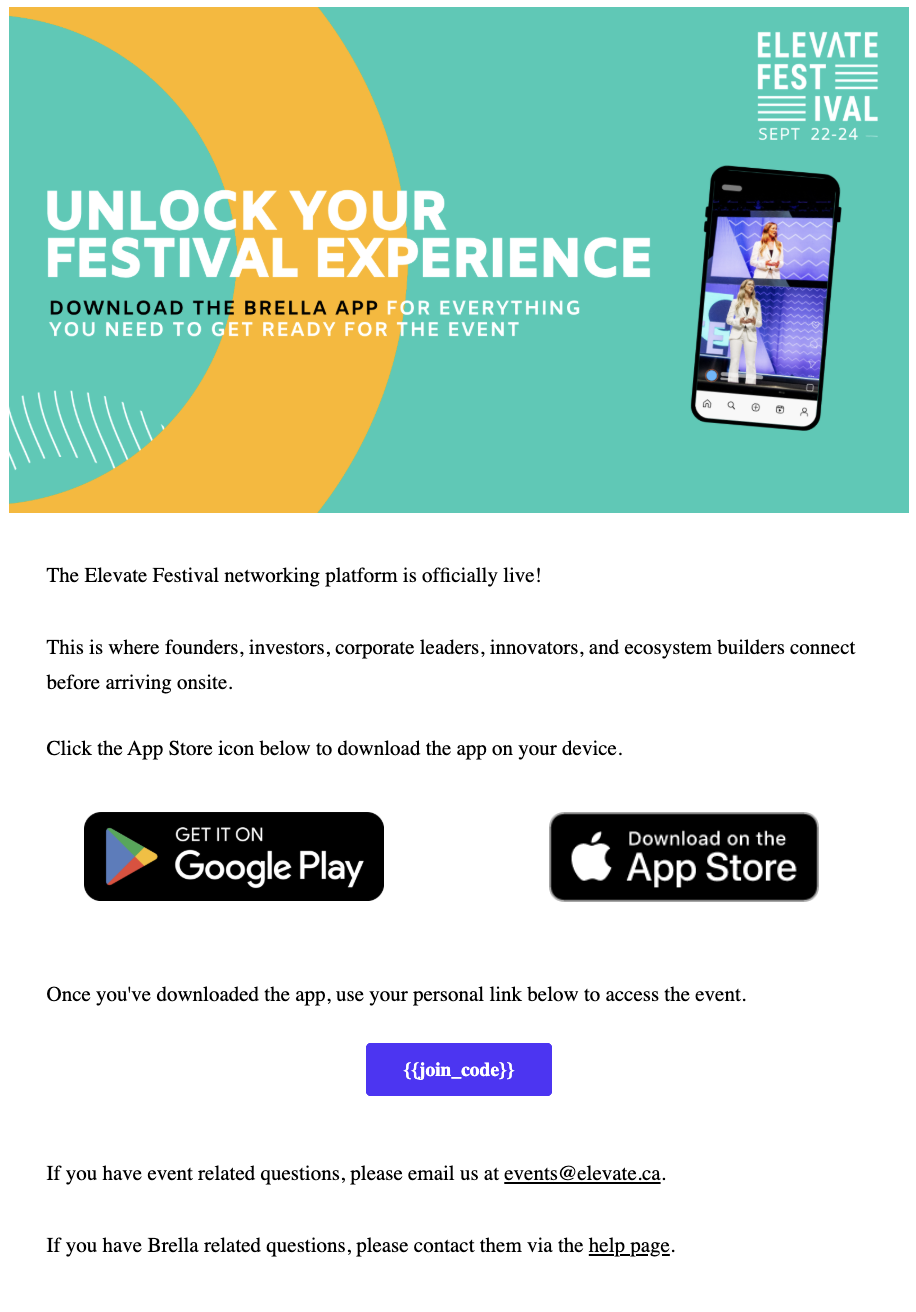
  2. Tap your personal link. It's in your invite email from the Elevate Festival Team.
  3. Tap Elevate Festival 2026. Every feature unlocks once your link is accepted.

Can't get in? Signing in with the wrong email is the most common reason. And if a colleague bought your ticket, they need to assign it to you first.

2. Set up your profile

The app's matchmaking works off your profile. A blank one gets you generic recommendations and very few meeting requests.

  1. Add your photo, role, and company. People accept meetings with real humans, not grey avatars.
  2. Choose your interests and industry. This is what the matchmaking compares against every other attendee.
  3. Say what you're here for: raising capital, hiring, finding customers, partnerships.
  4. Turn networking on so you can send and receive meeting requests.

Allow notifications while you're here. It's how you'll know when someone requests a meeting, when your next one starts, and if a session you saved moves rooms.

Screenshot 2026-08-25 at 11.53.43 AM

Invite email with personal link

Redact the real link. This is the step people get stuck on.

IMG_2152

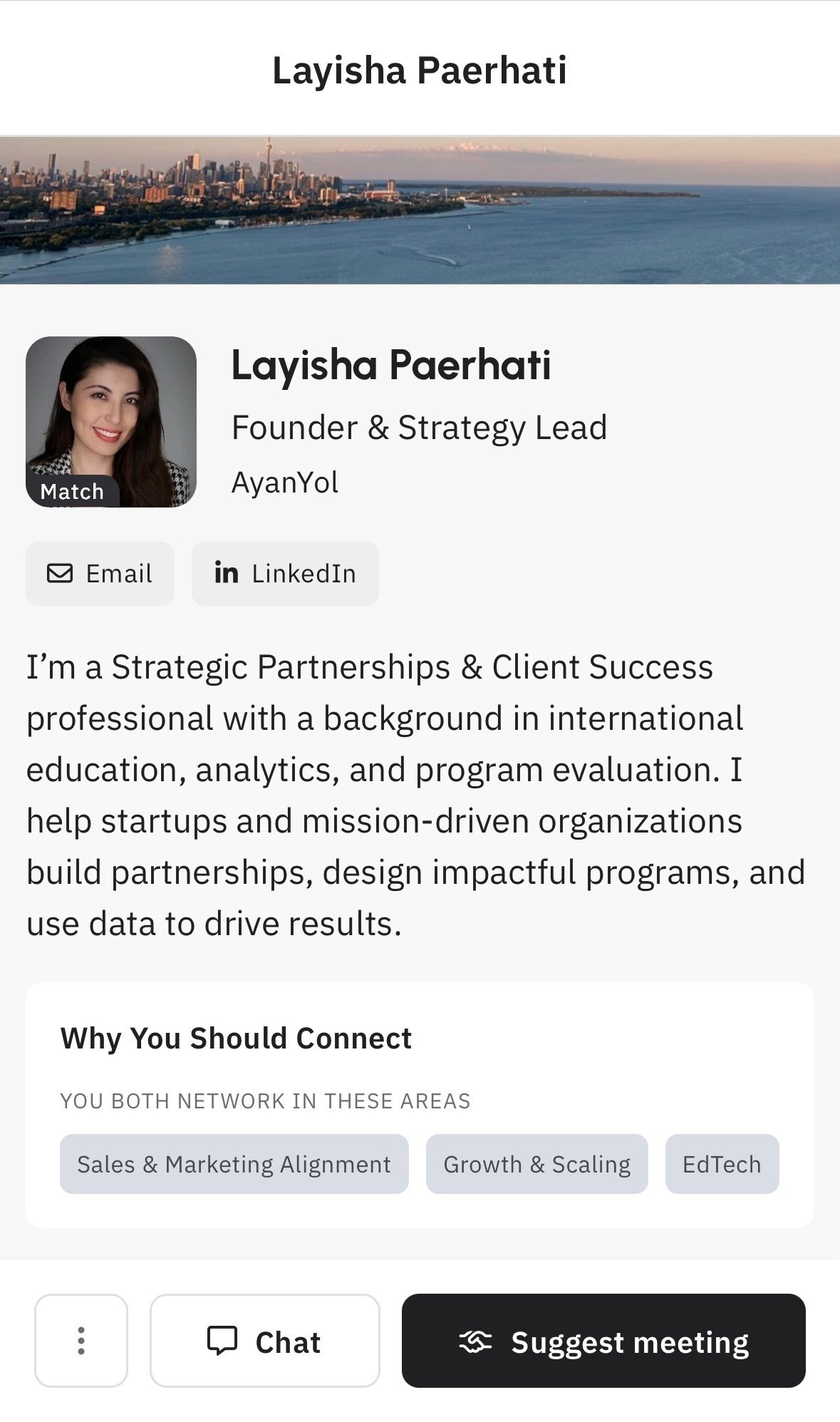
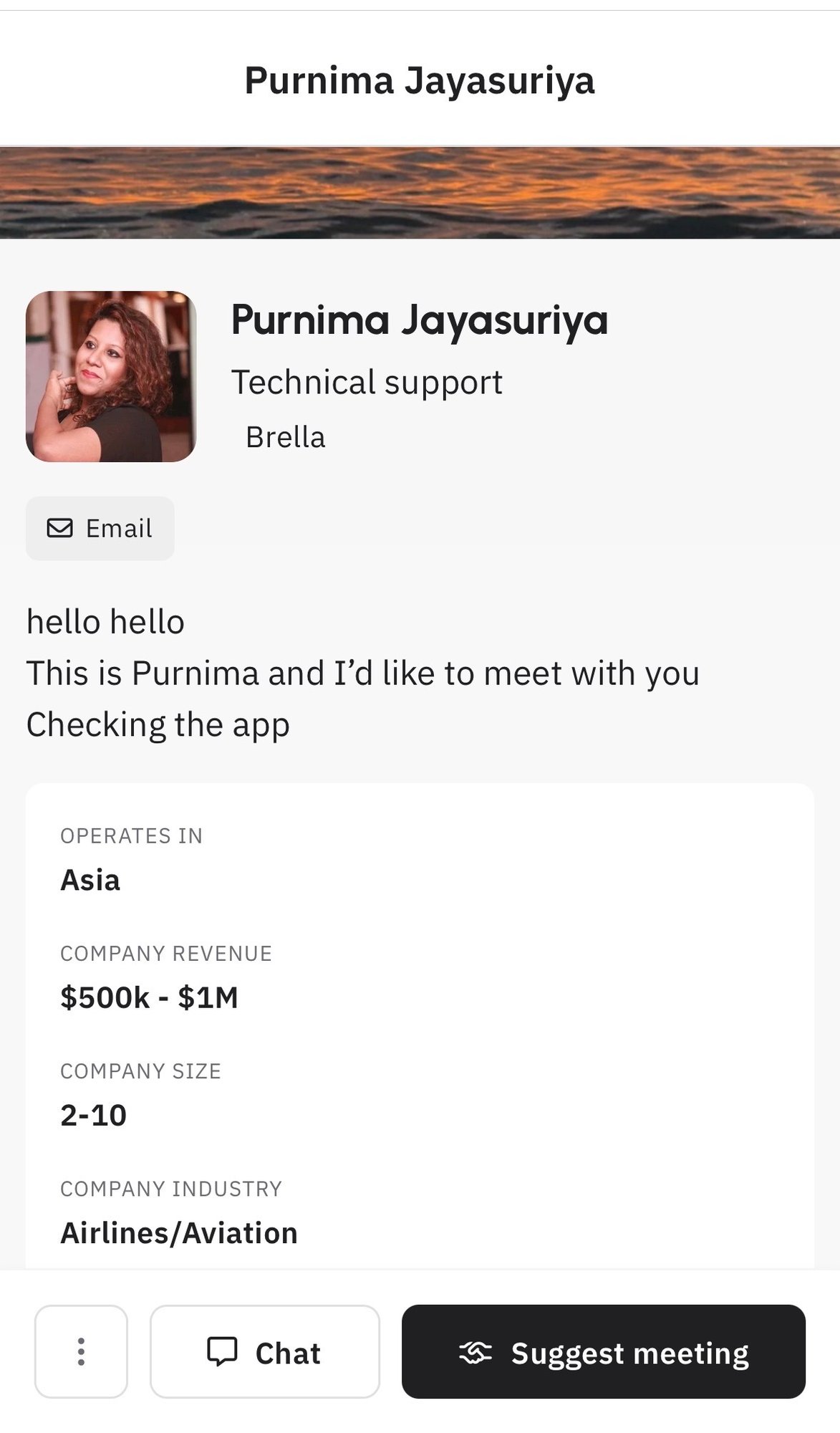
A completed profile

As another attendee sees it. Yours or a colleague's.

IMG_2135

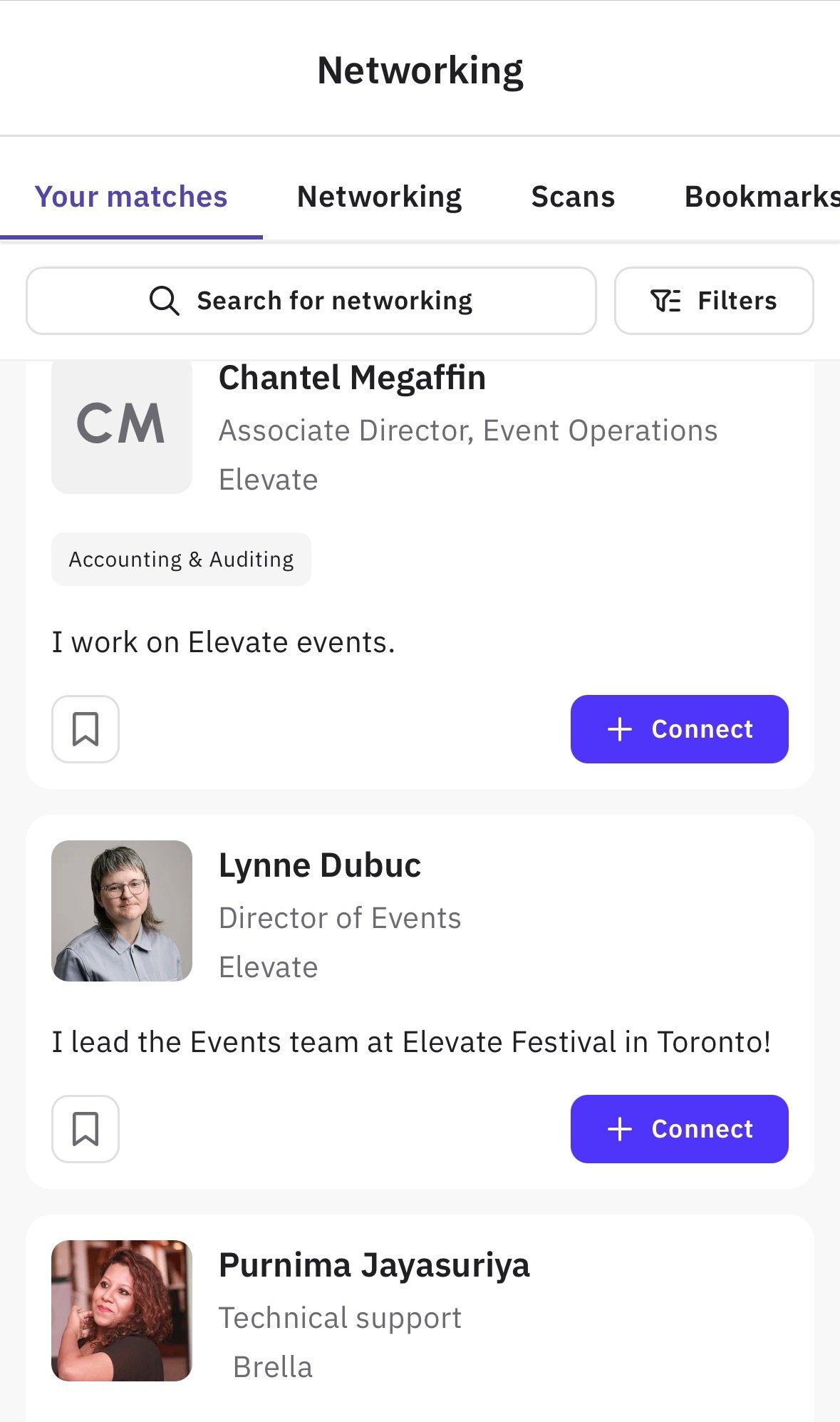
Attendee list + match strength

Ideally showing the match indicator. Redact names.

3. Find people and book meetings

Thousands of attendees. The app's job is to get you to the twenty who matter.

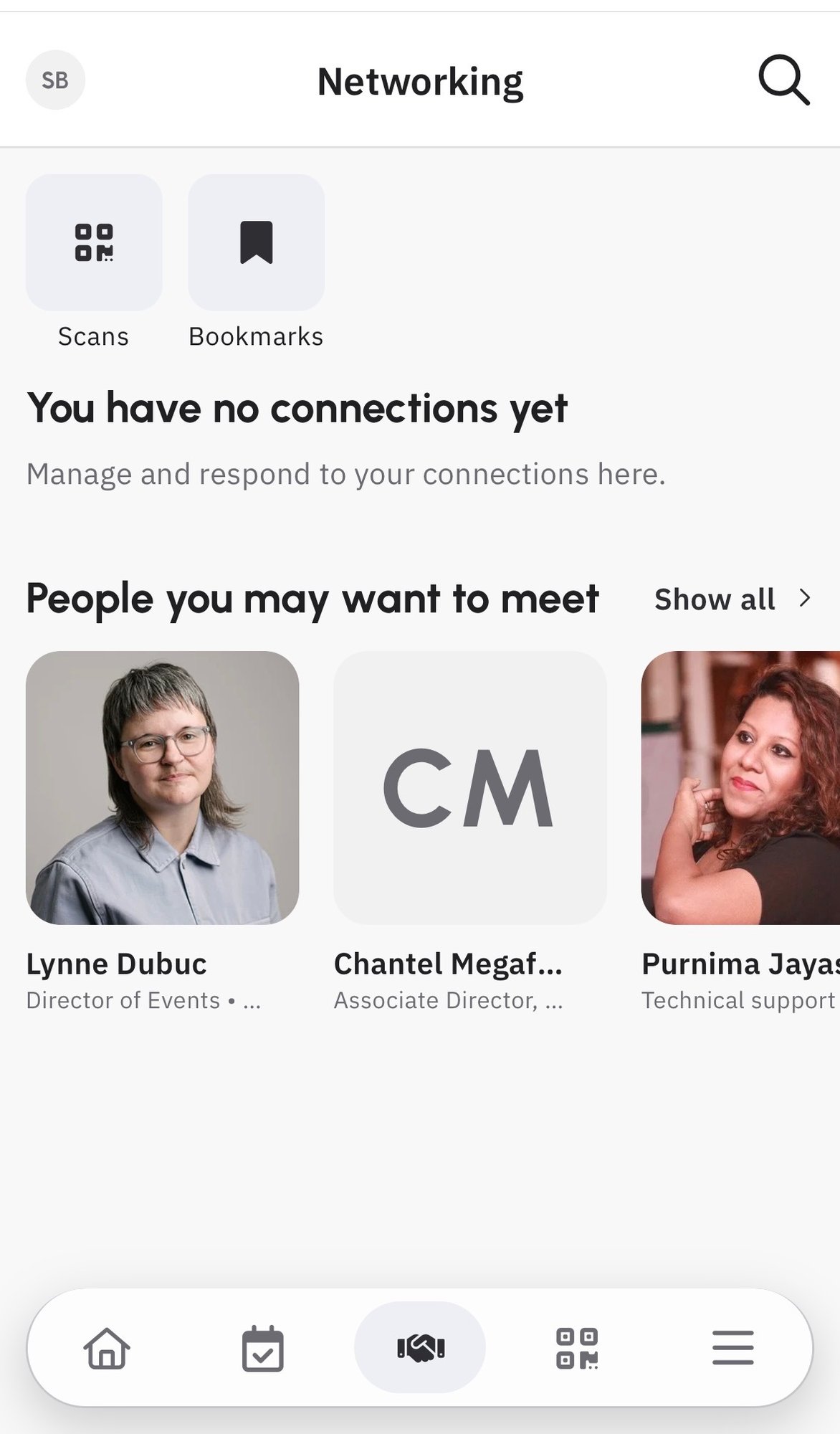
  1. Start with your recommendations. The app scores every attendee against your interests and goals, so work down from the top.
  2. Filter the attendee list by interest, industry, role, or what someone is looking for.
  3. Send a request with a short note. You'll only see times that are open for both of you. Personalised requests get accepted far more often than blank ones.
  4. Answer your own requests quickly. Accept the ones you want and decline the rest. A quick decline frees the slot for both of you.

Once a meeting is confirmed it appears in both schedules with a table assigned automatically in the networking area, and you'll get a reminder before it starts.

4. Build your schedule

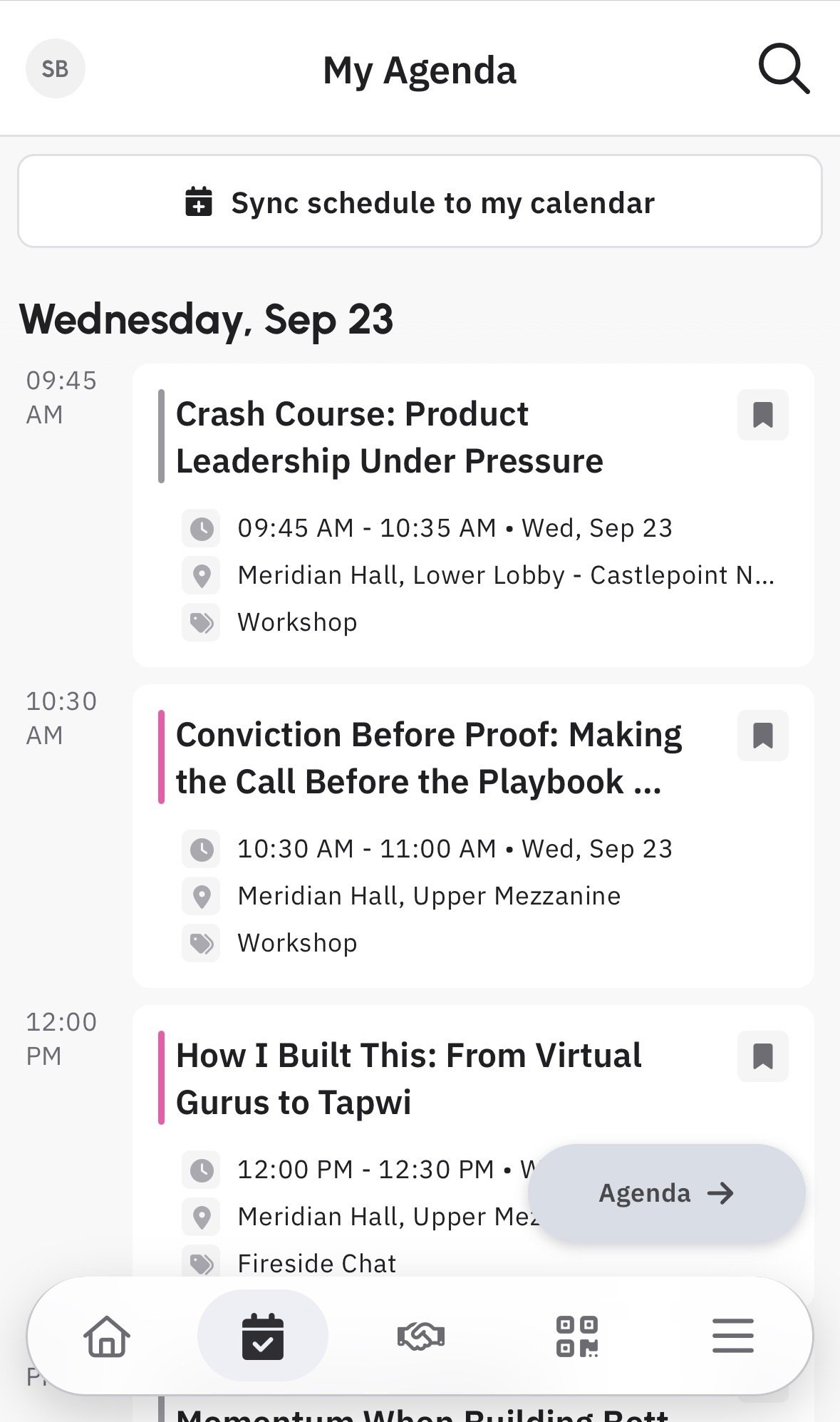
  1. Browse the agenda by day, stage, or topic: keynotes, breakouts, Founder Roundtables, the Women+ Stage, and networking events.
  2. Bookmark anything you don't want to miss. It goes straight into My Schedule.
  3. Check it against your meetings. Sessions and confirmed 1:1s sit on one timeline, so you spot a clash before it happens.

Come back the week of the festival. Schedules shift, and the app always has the current time and room.

Also worth finding: Our Partners, the venue map, and the chat thread that comes with every connection.

IMG_2148

Sending a meeting request

Time-slot picker or the message field mid-compose, whichever reads clearer.

IMG_2150

Pending requests

At least one request waiting, with accept and decline visible. Redact names.

IMG_2149

My Schedule

Pick a day that has both sessions and a confirmed meeting on it.

Startup Pass? Investor meetings are booked elsewhere

Meeting Exchanges and Founder Roundtables aren't booked in the app. They're on the Elevate Festival Startup Platform, using a magic link. Request one with your ticket email at elevatefestival.ca/platform.

  • Pre-book up to 3 Meeting Exchanges. These are 8-minute 1:1s with matched investors, on September 23 and 24.
  • Reserve 1 Founder Roundtable seat. Seats are limited.
  • Upload your pitch deck by Friday, September 18, 5:00 p.m. ET.
  • Bookings are first-come, first-served. Check in 10 minutes before each slot.
Open the Startup Platform

If something's not working

The app can't find my registration.
You're most likely signed in with a different email than your ticket. Sign out and use your ticket email. If a colleague bought your ticket and hasn't assigned it to you, that has to happen first.

I didn't get my personal link.
Check the inbox of the email your ticket is registered under, spam included. Still nothing? Email events@elevate.ca.

Who can see my profile?
Only festival attendees, and only while networking is on. You can change your visibility any time in settings.

Something's broken in the app itself.
For technical problems, contact Brella support at help.brella.io. For anything about the festival (tickets, schedule, access), email events@elevate.ca.

Arrive ready to make connections

With your meetings booked, agenda planned, and connections already underway, you'll be ready to make the most of every moment.